

Introduction
DALL-E, OpenAI’s image generation tool, is capable of producing a wide variety of artistic styles, ranging from whimsical illustrations to highly realistic imagery. Creating realistic images is all about providing detailed, precise prompts that accurately describe the scene you want to generate. Realism in art means capturing details, natural light, textures, and proportions in a way that mimics the real world as closely as possible.
In this post, we’ll go over some practical tips and tricks for generating photorealistic images with DALL-E. Whether you want to create portraits, landscapes, or everyday objects, following these techniques will help you achieve the level of detail and lifelike quality that makes your AI-generated images truly stand out.
Understanding the Essentials of Realism
Creating realistic images with DALL-E requires an understanding of the key elements that make visuals lifelike. Here are the most important aspects to consider:
- Lighting: Realistic images depend on accurate lighting. Consider how light interacts with different surfaces, materials, and shadows.
- Textures: Photorealistic images should include textures that add depth and tactile quality. For example, specify if a surface is rough, smooth, shiny, or matte.
- Color Accuracy: Use specific colors that match real-life objects or settings. Describe subtle gradients and hues for added realism.
- Details and Proportions: Realism requires precise details and accurate proportions between elements in the scene. Make sure objects and people look proportionate and true to their real-life counterparts.
Tips for Writing Prompts to Create Realistic Images
Crafting a prompt that generates a realistic image involves being descriptive, clear, and intentional. Here are some specific strategies to follow:
1. Be Specific About the Scene and Details
The more specific your prompt, the more lifelike the result. Instead of simply saying “a tree,” describe it in detail, such as “a tall oak tree with deep green leaves, dappled sunlight shining through the branches, and rough bark with visible textures.” This helps DALL-E understand exactly what kind of tree you want and generates a more vivid, realistic result.
2. Use Realistic Terminology
Using terms like “soft focus,” “natural lighting,” “shallow depth of field,” and “high resolution” can help guide DALL-E to create an image that resembles a realistic photograph. Mention specific camera effects if needed, like “bokeh” (blurred background) or “HDR lighting” to enhance realism.
3. Consider Natural Lighting
Lighting is key to creating a realistic atmosphere. Specify whether the light is natural or artificial, and describe the direction, intensity, and time of day. For example: “a living room illuminated by soft morning sunlight streaming through a window, casting long shadows.” This helps add a realistic dimension to the scene.
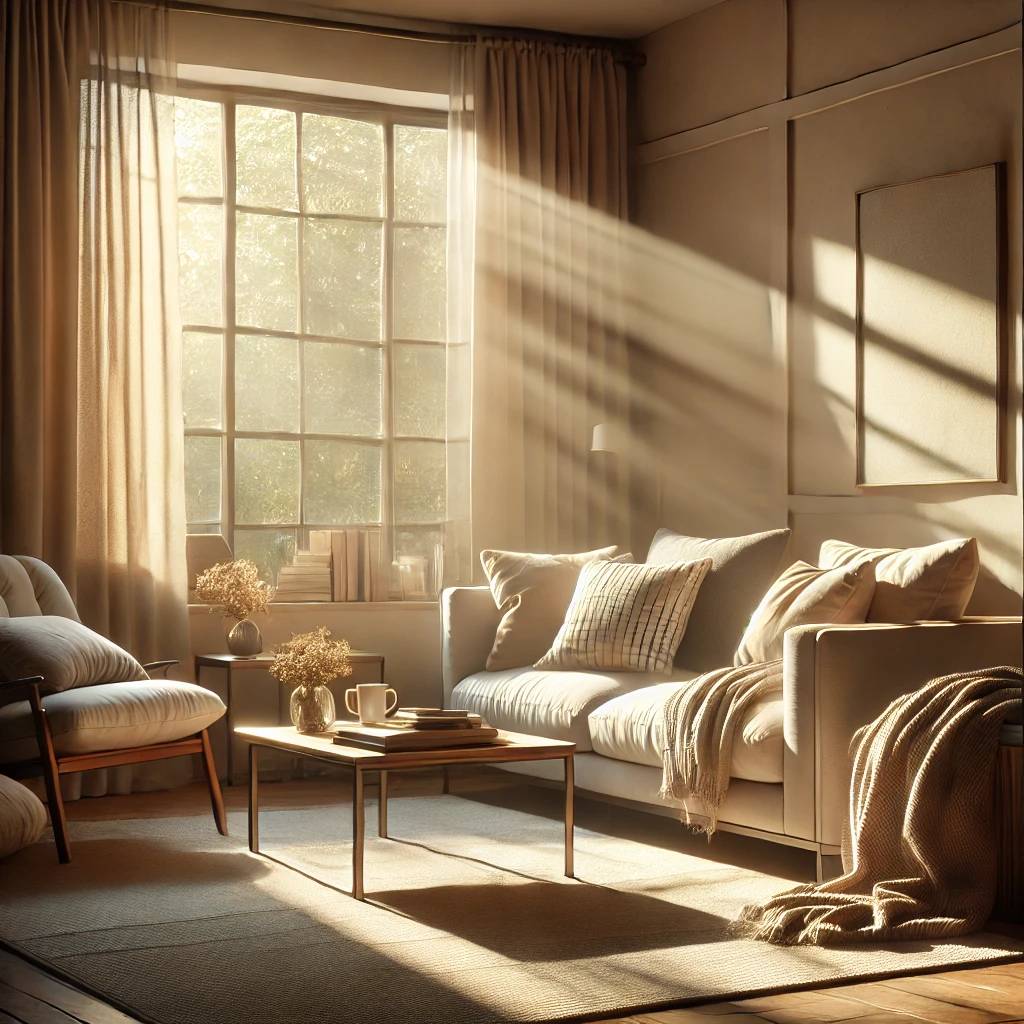
4. Specify Materials and Textures
Textures make an image feel more tactile and real. Specify the material of objects, such as “a velvet armchair with a smooth, deep blue fabric and shiny wooden legs.” Mentioning the textures helps DALL-E render realistic surfaces that have depth and character.
5. Provide Context and Background
Realistic images often feel complete because of the context and surroundings. For example, instead of “a woman standing,” you could say: “a woman standing in a busy market, holding a bouquet of fresh flowers, with people and colorful market stalls in the background.” Adding context helps DALL-E add details that make the scene feel believable.
6. Add Photographic Elements
To make an image look like a photograph, include elements like “soft focus,” “warm tones,” or “sunset with lens flare.” These details mimic camera effects, making the generated image feel more like a real photo rather than digital artwork.
Examples of Effective Prompts for Realistic Images
1. "A portrait of an elderly woman with deep wrinkles, smiling gently, in soft natural light, with a blurred background of a green garden." — This prompt specifies details that add character, emotion, and a natural environment, enhancing realism.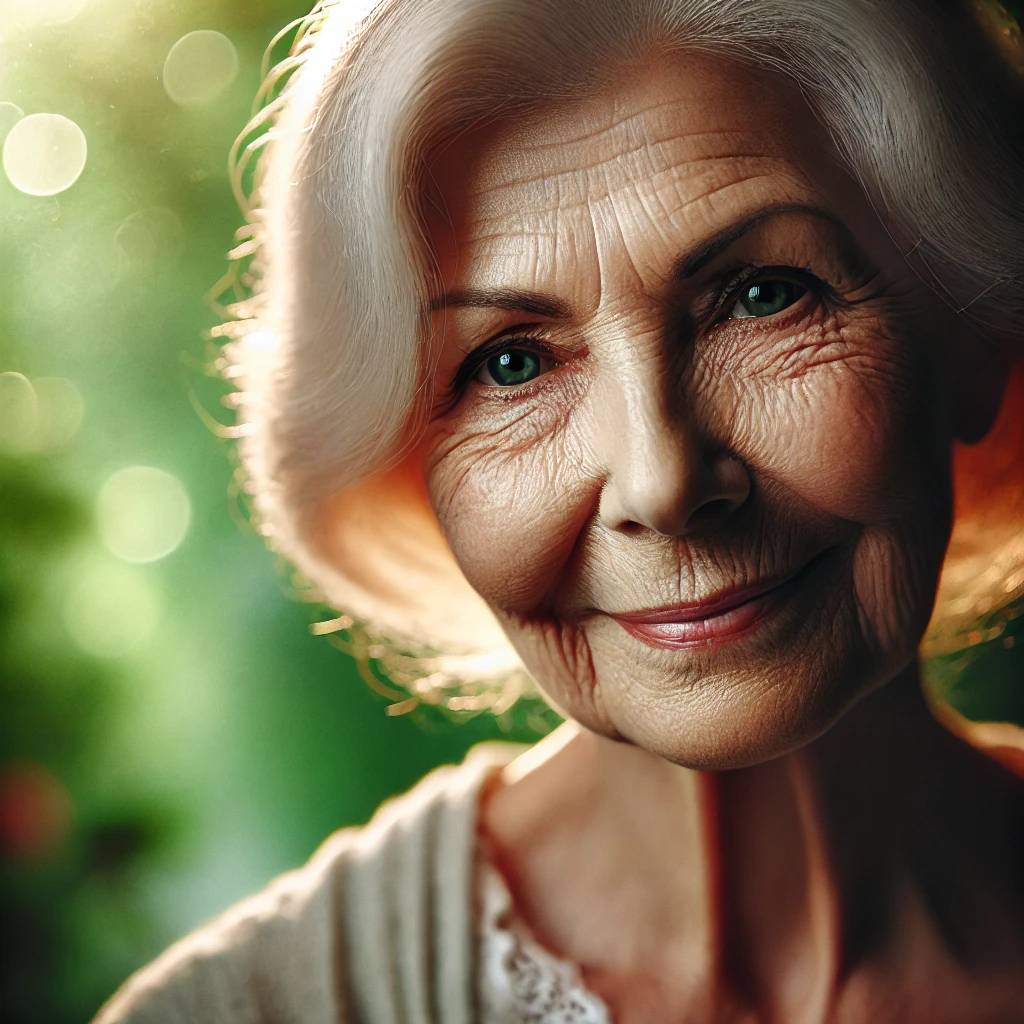
2. "A rustic kitchen with wooden cabinets, marble countertops, and sunlight streaming through the window, highlighting a bouquet of sunflowers in a vase." — Providing detailed elements like materials and lighting adds depth and believability.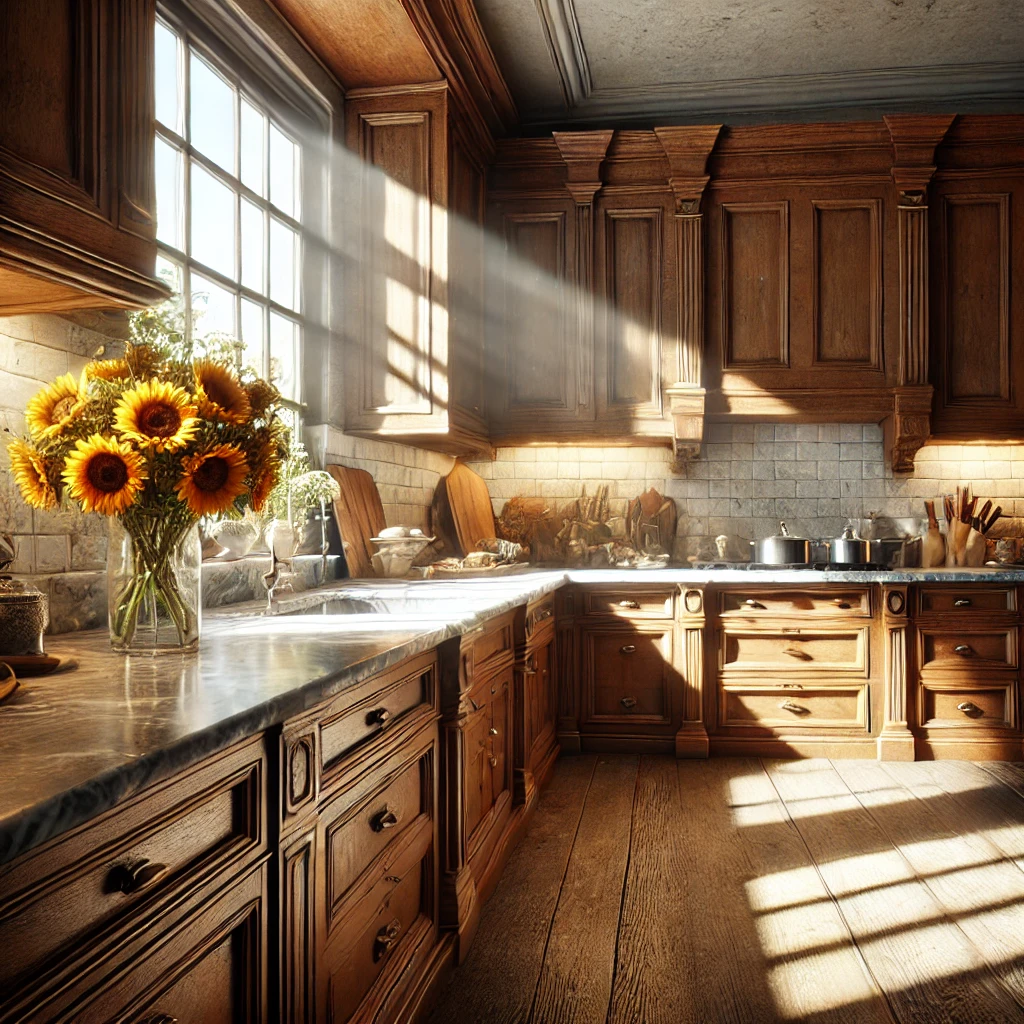
3. "A golden retriever sitting in a grassy field, with the wind ruffling its fur, under the golden glow of a setting sun." — This prompt includes natural movement, lighting, and a specific breed, all of which help DALL-E generate a lifelike result.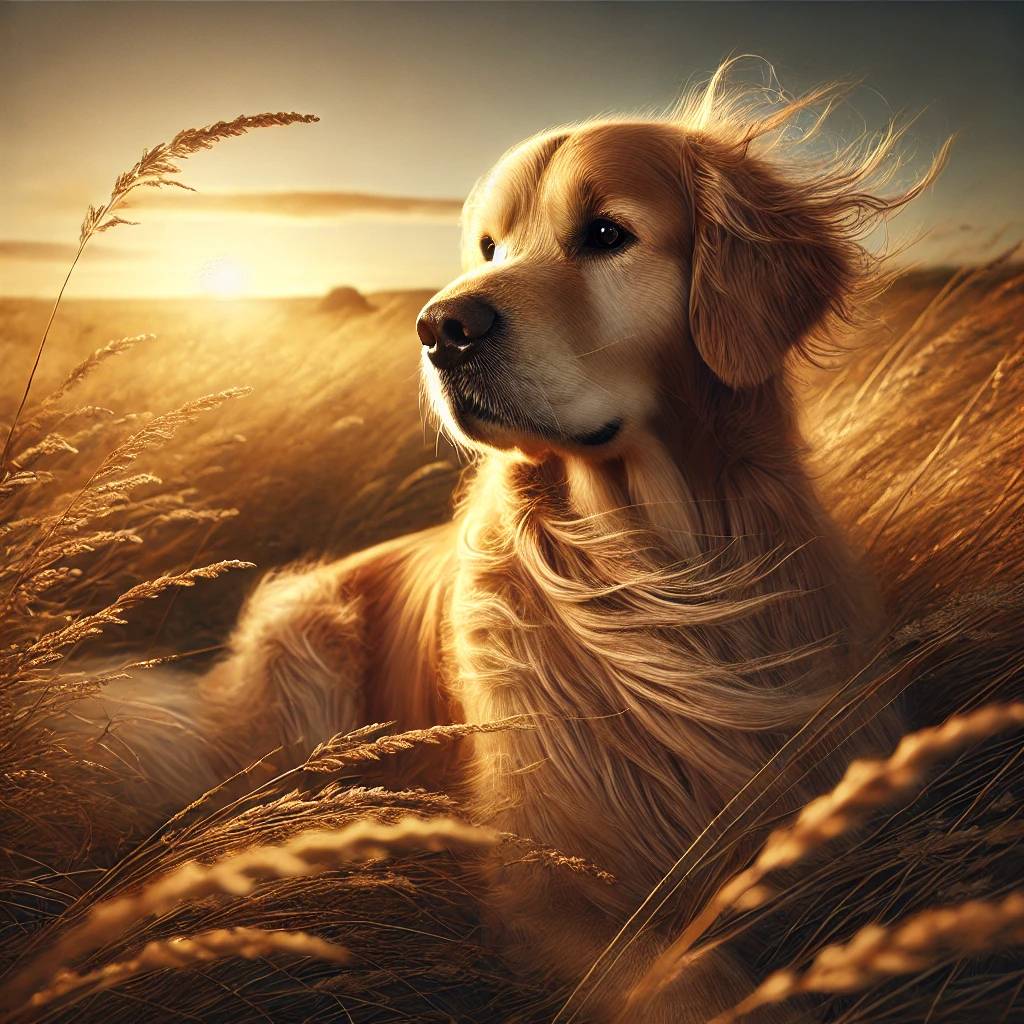
4. "A close-up of a plate of spaghetti carbonara, with creamy sauce, freshly ground pepper, and a sprinkle of Parmesan cheese, photographed with shallow depth of field." — Including details about the food, texture, and photographic style ensures a realistic and appetizing image.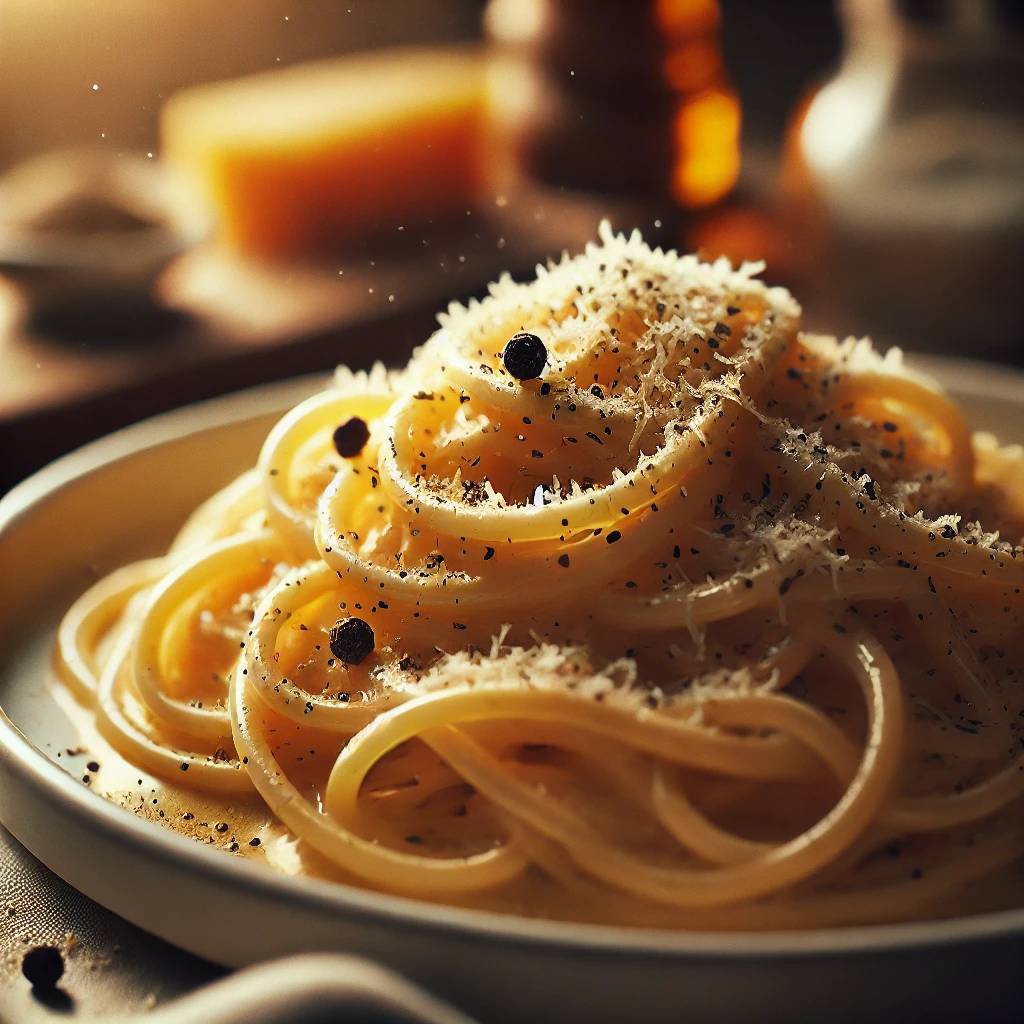
Conclusion
Generating realistic images with DALL-E is all about crafting detailed, descriptive prompts that accurately capture every aspect of the scene you want to create. By considering elements like lighting, textures, colors, and context, you can guide DALL-E to create stunningly lifelike visuals that closely mimic reality.
Experiment with different styles, adjust prompts to add more or less detail, and practice describing scenes as vividly as possible. The more precise and thoughtful your prompt, the more realistic the output. For more tips, check out our other DALL-E tutorials and guides to continue your AI art journey!

